
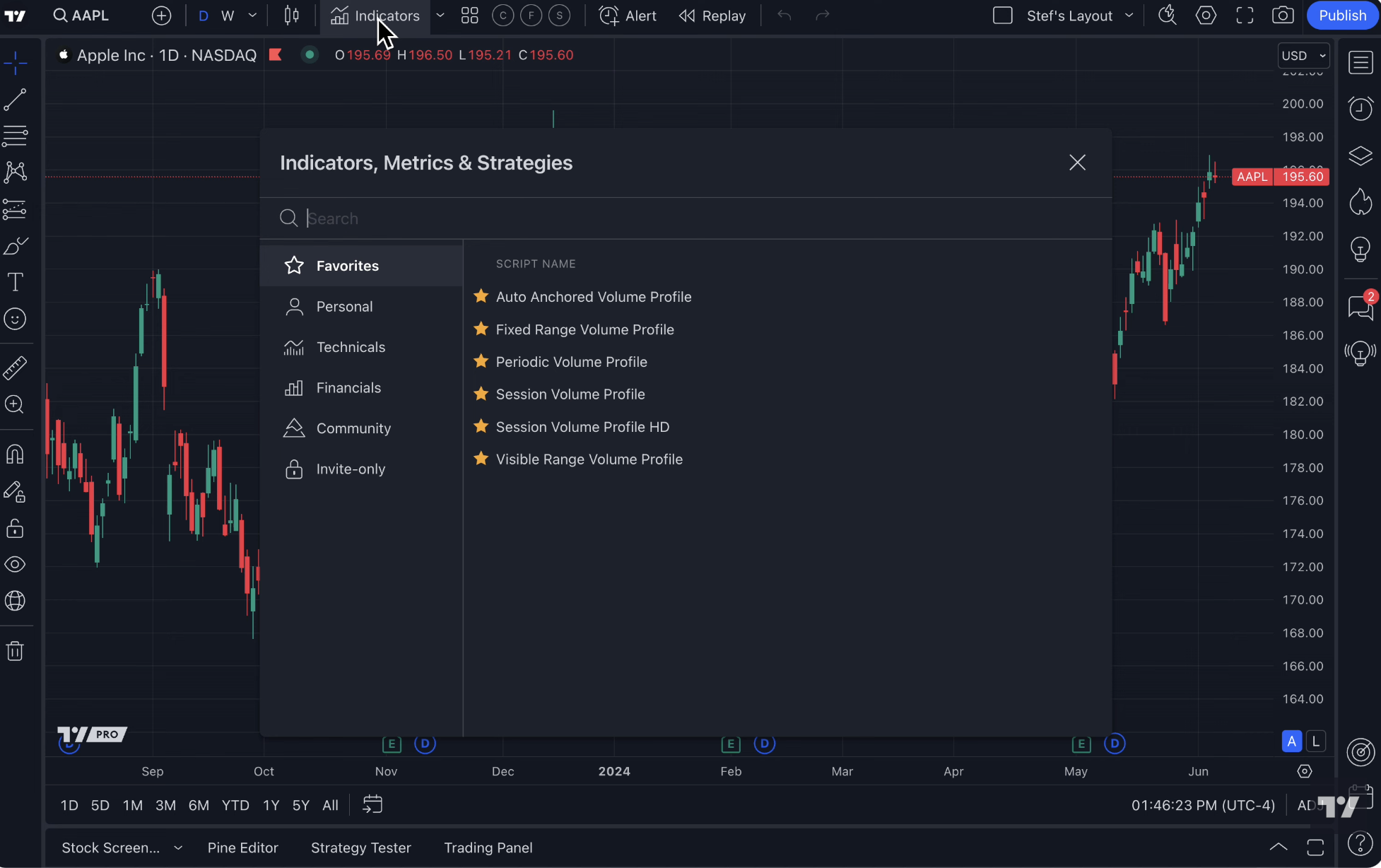
If you’ve ever shopped for a trading platform, you know the overwhelm.
Every platform promises “better charts,” “faster execution,” “pro tools,” and “everything you need.”
But when it comes down to actually trading, which platform helps you make real decisions, and which just adds clutter?
I’ve tried a bunch of them. Thinkorswim, NinjaTrader, TrendSpider, even broker-native charting tools. TradingView stands out — but not because it’s flashy.
It’s because it combines simplicity, flexibility, and power in a way that actually helps you trade, instead of confusing you.
If you want to explore TradingView for yourself, here’s the link I used to get started:
1. TradingView vs Thinkorswim
Thinkorswim is powerful, but it’s heavy.
Menus everywhere, too many indicators by default, confusing workflows.
TradingView is lighter, cloud-based, and accessible anywhere.
Charts load instantly
Alerts are straightforward
Templates and layouts sync automatically across devices
When TradingView wins: usability, speed, accessibility.
When Thinkorswim wins: deep broker integration and advanced option analysis.
2. TradingView vs NinjaTrader
NinjaTrader is excellent for futures traders who want advanced order flow and automated strategies.
But it has a steep learning curve, requires downloads, and can feel intimidating for beginners.
TradingView keeps the interface clean but still lets you:
Use Pine Script for custom indicators
Set complex alerts
Build multi-timeframe dashboards
Bottom line: NinjaTrader is niche-powerful. TradingView is flexible for nearly every type of trader.
3. TradingView vs TrendSpider
TrendSpider markets itself as a “smart charts” platform, with automatic trendlines, alerts, and backtesting.
It’s clever — but some features feel automated to the point of removing trader judgment.
TradingView offers similar tools but keeps you in the driver’s seat, letting you customize everything while still saving time with alerts, drawing templates, and multi-timeframe layouts.
4. TradingView vs Broker-Native Charts
Every broker has their own charting system.
Some are okay. Some are painfully basic.
TradingView provides:
A huge indicator library
Custom scripts via Pine
Backtesting
Cross-asset charts (stocks, crypto, futures, forex)
All in one cloud-based interface. Your charts don’t disappear if you switch brokers.
Why TradingView Stands Out in 2026
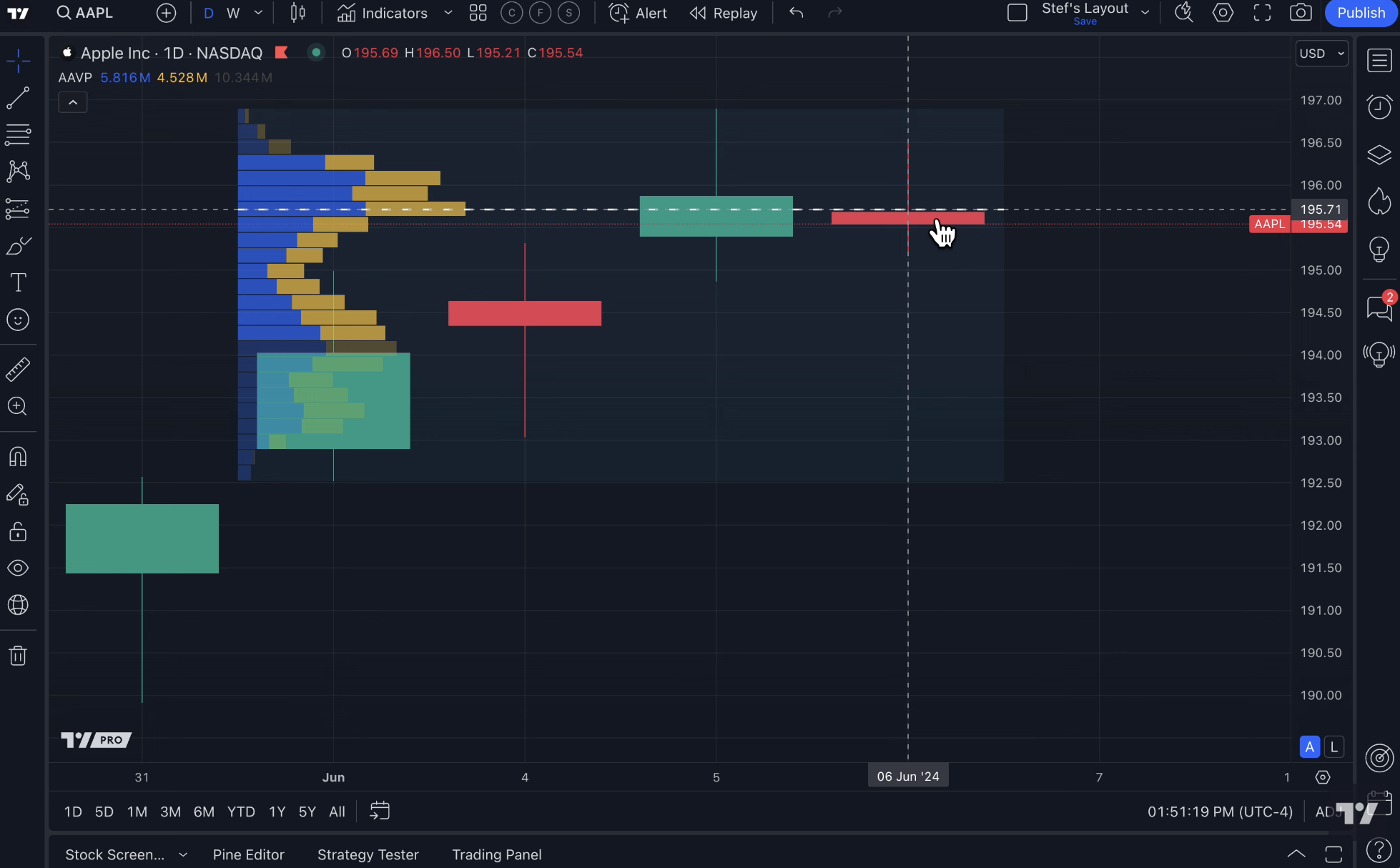
Here’s the honest truth:
If you’re just starting, it’s easy to learn.
If you’re advanced, it doesn’t limit you.
Alerts, templates, layouts, multi-timeframe tools — all work across devices.
Other platforms may excel at one thing — options, automated strategies, order flow — but few combine flexibility, simplicity, and power like TradingView.
The One Caveat
No platform is perfect. If you’re a high-frequency trader or need direct broker execution, you might still need NinjaTrader or Thinkorswim.
But for nearly everyone else, TradingView covers everything you actually need to trade smarter and more efficiently.
Want to Try TradingView Yourself?
You can explore the same setup I use and see why it’s my go-to platform: